How Does a Countertop Ice Maker Know When the Bin Is Full?

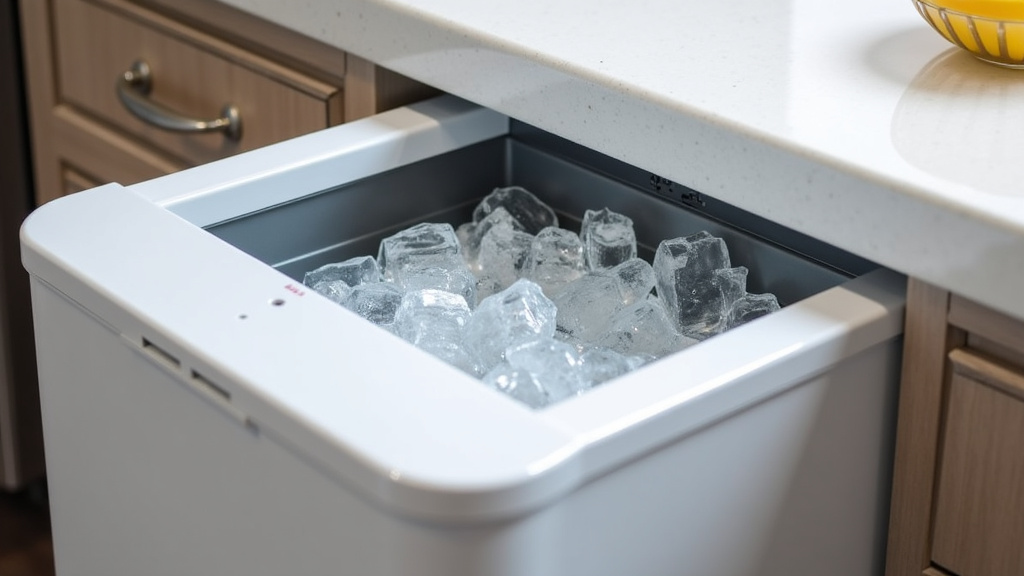
A countertop ice maker knows when its bin is full primarily through a small sensor or lever inside the storage area. When ice cubes pile high enough to touch or push this sensor, it sends a signal to automatically stop the ice-making cycle.
This simple mechanism prevents messy overflows and saves energy. We found that most models use one of two common types of sensors, both designed to give you a hands-off, convenient ice supply. It’s a smart feature that lets you focus on your drinks, not the machine.
- Most machines use a mechanical lever or an infrared sensor to detect the ice level.
- When the bin is full, the sensor triggers the machine to pause ice production.
- This prevents the bin from overflowing and creating a wet mess on your counter.
- The feature helps conserve energy and reduces unnecessary wear on the unit.
- You’ll usually see a full indicator light on the machine when it stops.
Below, we break down the exact mechanics behind these sensors and walk you through what happens inside your machine when that “full” light turns on.
The Full Bin Sensor in Your Countertop Ice Maker
The core answer is straightforward: a small device inside your ice bin detects when the ice pile reaches a certain height. This sensor then sends a signal to the control board, telling the machine to stop making ice. It’s an automatic shut-off that prevents a slippery mess on your countertop.
You’ll find this feature in almost every modern countertop model. It’s not a complex computer; it’s a reliable, simple switch. Think of it like a toilet float arm, but for ice cubes. When the ice is high enough, it physically interacts with the sensor, completing a circuit or breaking a beam.
The Two Main Types: Mechanical vs. Infrared
Our research found that manufacturers primarily use two different technologies for this task. Both get the job done, but they work in slightly different ways. The type your machine uses might affect how you clean it or what to do if the sensor gets dirty.
Let’s look at each one. One uses a physical part that moves, and the other uses light. You probably won’t need to know the technical details, but understanding the difference can be handy for troubleshooting.
The Mechanical Lever or Arm
This is the most common and traditional method. A small, hinged plastic arm or lever hangs down from the top of the bin. As ice cubes fall and pile up, they eventually push this arm upward. The arm is connected to a switch.
When the arm rises to a preset angle, it clicks the switch. That click tells the control board, “The bin is full—cease ice production now.” It’s a very physical, direct action. You can often see this lever if you peer inside the bin. Just don’t poke it while the machine is running.
The Infrared Optical Sensor
A more modern approach uses a beam of infrared light. The sensor has two small components: an emitter and a receiver, usually mounted near the top of the bin. The emitter sends a light beam across the bin to the receiver.
When the bin is empty, the beam travels straight across. But as ice piles up, the cubes block the light. When the receiver can no longer see the beam, it signals the machine to stop. It’s like a tiny, invisible curtain that the ice eventually blocks. This method has no moving parts, which some argue makes it more durable.
What Happens When the Light Turns On?
So, the sensor has detected a full bin. What’s the sequence of events inside your machine? It’s a short and efficient process designed for convenience.
- The sensor (lever or infrared) triggers a signal.
- The signal goes to the main control board.
- The control board cuts power to the water pump and cooling system.
- The board activates the “Ice Full” indicator light on the front.
- The compressor may shut off, stopping the entire freezing cycle.
You’ll then see the light and hear the machine go quiet. Your ice is ready and waiting. You simply scoop out what you need. Once you remove some ice and the level drops, the sensor resets, and production can resume automatically.
Comparing Mechanical and Infrared Sensors
Is one type better than the other? We found that both are effective for their intended purpose. The choice often comes down to manufacturer preference and price point. Here’s a quick breakdown to help you understand the differences.
| Feature | Mechanical Lever | Infrared Sensor |
|---|---|---|
| How It Works | Physical arm is pushed by ice | Light beam is blocked by ice |
| Key Advantage | Simple, proven technology | No moving parts to get stuck |
| Potential Issue | Can get jammed by stuck ice | Dirty lens can cause false stops |
| Common in | Many budget to mid-range models | Often found in premium models |
According to energy guidelines from the U.S. Department of Energy, automatic shut-off features like these help appliances conserve energy by preventing unnecessary operation. This small sensor plays a role in keeping your ice maker efficient.
Troubleshooting Your “Full” Sensor
Sometimes the “Ice Full” light might turn on even when the bin isn’t actually full. Or, it might not turn on at all. Don’t worry; this is usually a simple fix. The most common culprit is either dirt or a piece of ice stuck in the wrong place.
Before you think about calling for repairs, try these basic steps. You can solve most sensor issues at home in just a few minutes. Always unplug the machine first for safety.
Cleaning the Sensor Area
For mechanical levers, a small ice shard or frost buildup can prevent the arm from moving freely. For infrared sensors, dust, mineral deposits, or water spots on the lens can block the light beam.
Step 1: Unplug the ice maker and let it warm up so any ice melts. Step 2: Use a soft, dry cloth to gently wipe the lever and the area around it. For the infrared sensor, carefully clean both the emitter and receiver lenses. A cotton swab can help reach tight spots.
Performing a Simple Reset
Sometimes the control board just needs a quick reboot. It’s the oldest trick in the tech book, and it works for many small appliances. This clears any temporary glitches that might be confusing the sensor signal.
Step 1: Unplug the unit from the wall outlet. Step 2: Wait for at least 15 minutes. This gives the capacitors time to fully discharge. Step 3: Plug it back in and start a new cycle. This simple reset fixes a surprising number of odd behaviors.
Pro Tips for Smooth Operation
Want to keep your ice maker’s sensor working perfectly? A little routine care goes a long way. These habits will help ensure you never have an overflow or a false alarm.
- Regular defrosting: Even with an auto-defrost, heavy use can lead to frost. Turn off the machine and let it fully defrost once a month. This prevents ice buildup that can interfere with the sensor.
- Gentle scooping: Avoid ramming your scoop into the bin. A vigorous motion could jostle a mechanical lever or smear something onto an infrared lens.
- Keep it level: Place your ice maker on a stable, flat surface. If it’s tilted, ice might pile up unevenly, causing the sensor to trigger prematurely.
- Cover your ice: If your bin has a lid, keep it closed when possible. It reduces frost and keeps dust from settling on internal components.
- Use filtered water: This reduces mineral scale, which is a major enemy of both mechanical and optical sensors over time.
Why This Feature Matters for Everyday Use
This automatic stop isn’t just a fancy add-on; it’s a fundamental convenience feature. Without it, you’d have to babysit the machine. You’d need to guess when to turn it off or risk coming back to a puddle of water on your counter.
The sensor turns a potentially messy appliance into a true “set it and forget it” gadget. It allows you to leave the ice maker running so you always have a supply ready for guests, parties, or just a quiet evening at home. It’s the silent guardian of your kitchen counter’s dryness.
The Link to Energy Efficiency
We found that continuous operation without a full-bin shutoff wastes energy and shortens the appliance’s lifespan. The compressor and fan would run endlessly once the bin is full, doing nothing but generating heat.
By pausing production, the sensor lets the machine rest. This reduces electricity consumption and minimizes wear and tear on critical components like the compressor motor. It’s a small part that contributes to the unit’s overall longevity and cost-effectiveness.
When to Seek Professional Help
After trying the cleaning and reset steps, most sensor issues will be resolved. However, if your machine still acts up, the problem might be deeper. It could be a faulty control board or a broken sensor itself.
Contact the manufacturer’s customer service or a qualified appliance repair technician if: the “Ice Full” light stays on permanently, the machine never stops making ice, or it shows error codes. For safety and to preserve your warranty, avoid opening up the main control panel yourself.
Quick Checklist for a Happy Ice Maker
Keep this list handy to maintain your machine and its smart sensor.
- Monthly: Perform a full defrost and wipe down the interior, including the sensor area.
- After heavy use: Gently brush away any crushed ice shards from around the lever or lens.
- If the light acts up: Try the full unplug-reset cycle before anything else.
- Always: Use clean, filtered water to minimize scale and mineral buildup.
- Remember: The sensor is delicate; treat the bin with care when scooping ice.
Conclusion
So, your countertop ice maker’s “full bin” sense comes down to a simple, smart sensor. Whether it’s a physical lever pushed by ice or an invisible infrared beam, its job is the same: to automatically stop production. This prevents a messy overflow and saves energy. Remember, most sensor quirks can be fixed with a gentle cleaning or a simple power reset. Your best next step? Take a quick peek inside your bin to see which type you have, and keep that area clean for reliable, hands-off ice.
Frequently Asked Questions
Can I bypass the full bin sensor to make more ice?
We strongly advise against it. The sensor is a critical safety feature designed to prevent overflow, water damage, and unnecessary strain on the machine’s motor. Bypassing it could lead to a messy countertop and might void your warranty. It’s better to simply scoop out ice and let the sensor reset automatically.
How often should I clean the area around the sensor?
A good rule is to wipe the sensor area during your monthly defrost. If you use the machine daily or live in a hard water area, a quick check every couple of weeks is wise. Regular cleaning prevents false alarms and ensures the sensor works correctly.
Why does my ice maker keep running even after the bin is full?
This usually means the sensor is stuck or dirty. For a mechanical lever, a shard of ice might be jamming it. For an infrared sensor, dust or mineral film on the lens can block the light beam. Unplug the unit, let any ice melt, and gently clean the sensor components as outlined in the troubleshooting section.
Does using warm water affect the sensor?
Yes, it can. Using warm water can create more steam and frost inside the bin, which may coat the sensor. For mechanical types, frost can jam the lever. For infrared types, condensation can cloud the lens. Always use cold, filtered water for the best performance and to minimize these issues.
Is the “full” light always accurate?
When the sensor is clean and the machine is level, it should be very accurate. However, an uneven counter can cause ice to pile up in one spot, triggering the sensor prematurely. If you notice this, check that your ice maker is sitting on a flat, stable surface before troubleshooting the sensor itself.